See the bigger picture.
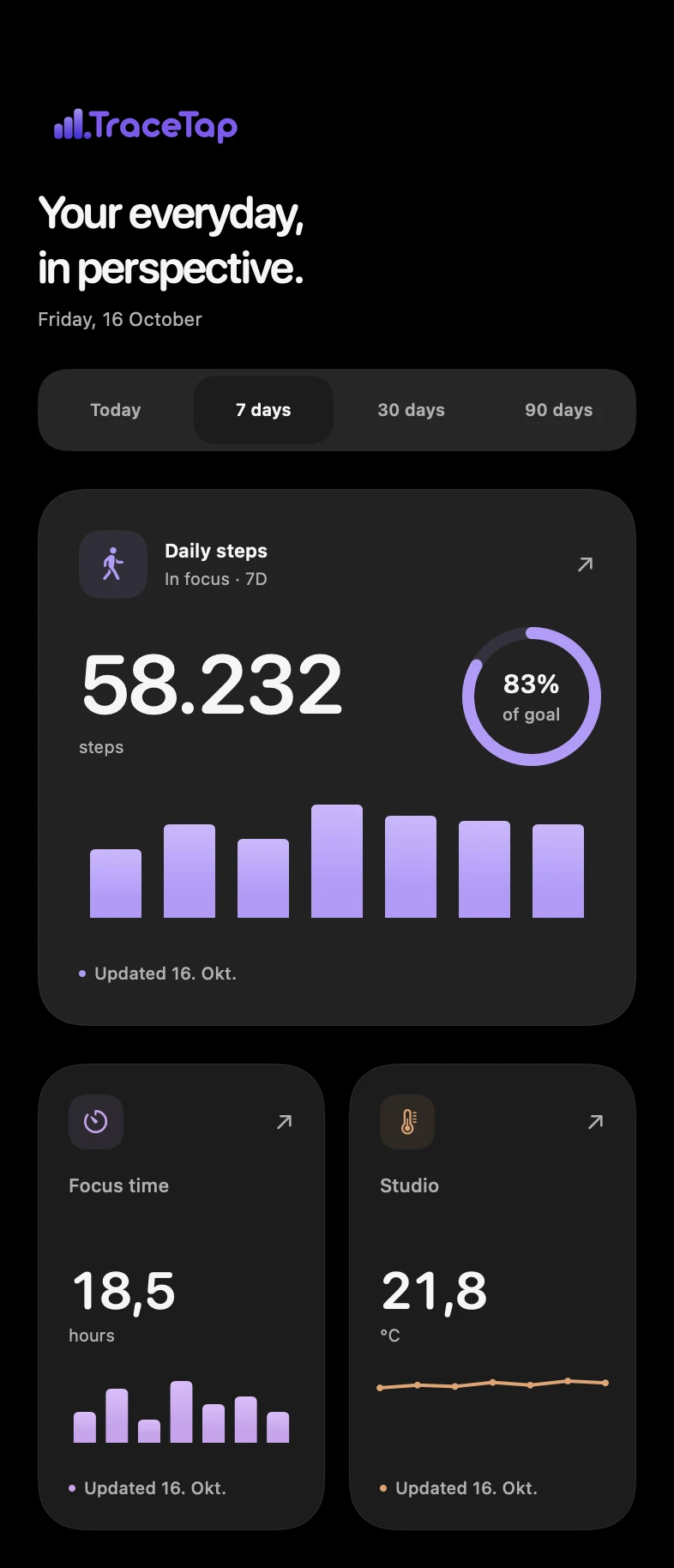
Go from a single value to a week of progress. Pick the time period and chart that fit your metric.
A little perspective, every day
Your numbers, beautifully in view. Track what matters and bring it straight to your iPhone home screen.
Explore the widgets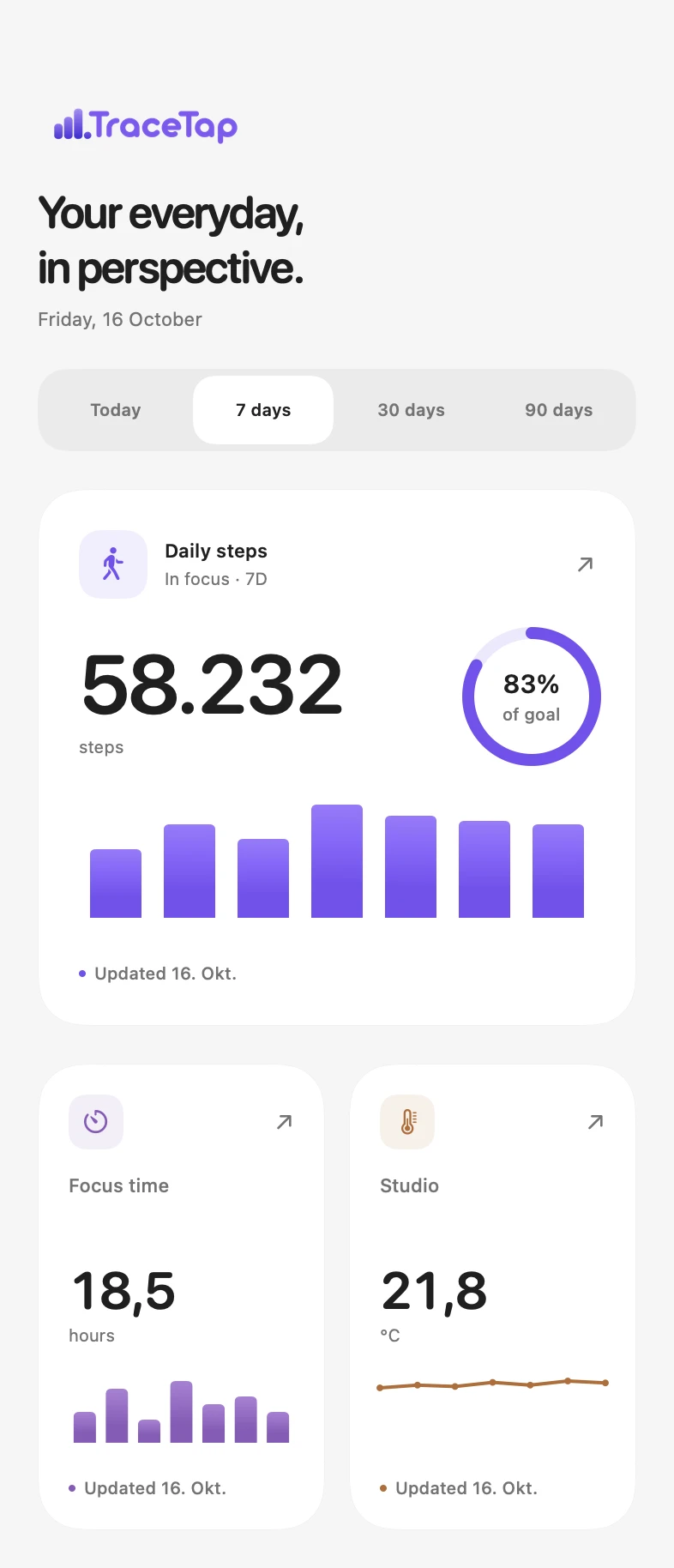
Big goals.
Everyday numbers.
Choose your metric. Find your size. Make your home screen a place for more than just apps.
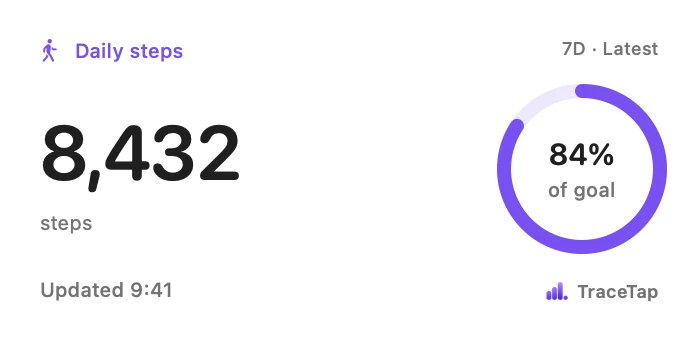
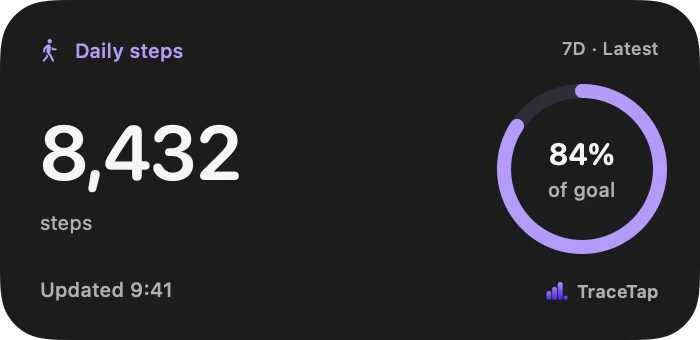
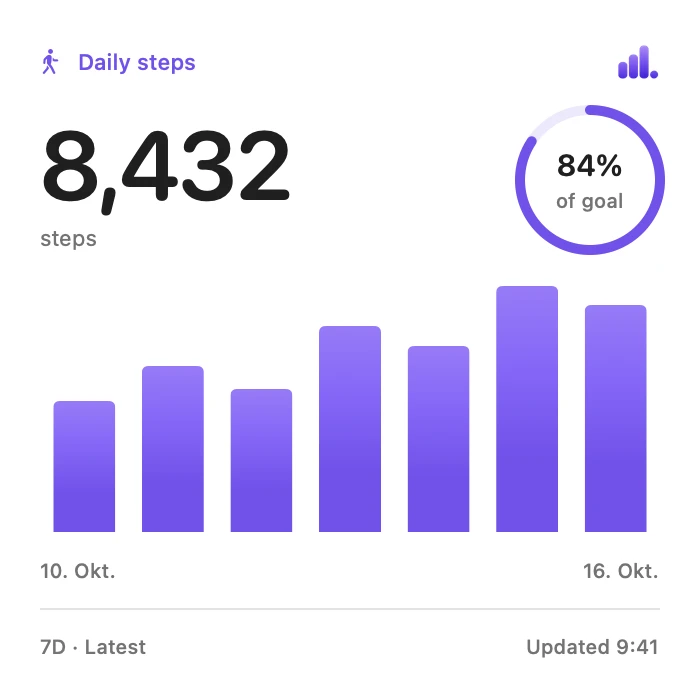
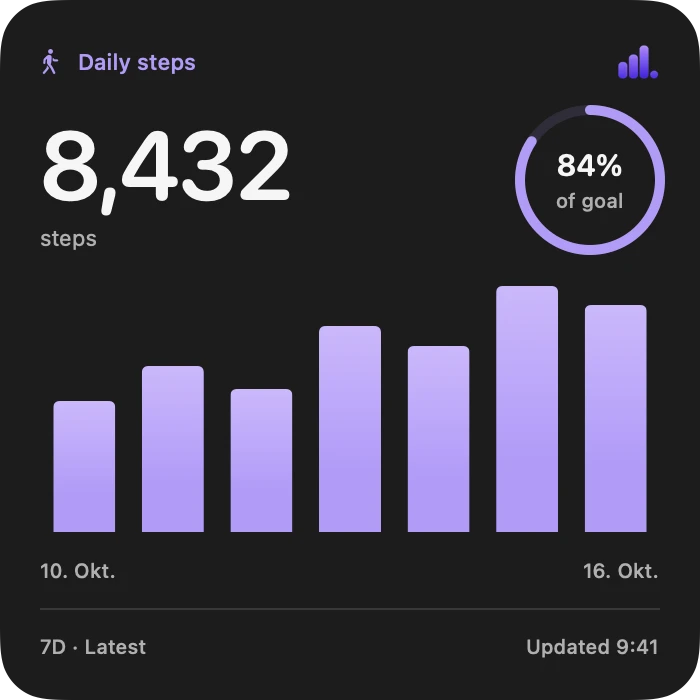
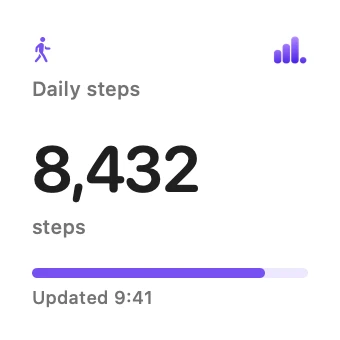
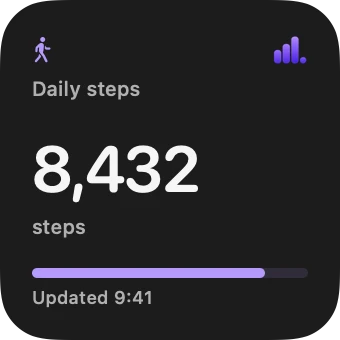
Daily steps · Illustrative data in native TraceTap widgets
Build a space around your life, your work, or whatever you’re curious about.
Go from a single value to a week of progress. Pick the time period and chart that fit your metric.
Choose names, units, icons and goals. Arrange your metrics into dashboards that make sense to you.
Made a typo? Correct a value or remove it. Your history should reflect what actually happened.
Add a value wherever you are. Your changes wait on your device until they can sync.
A tap. Or a little automation.
Add a number by hand, or let your scripts and workflows send it for you. Start simple. Connect more when you’re ready.
A name, a unit and what the number means.
In the app, or through a simple API request.
On a dashboard. On your home screen.
# A little more focus, recorded.
curl 'https://tracetap-api-931116087383.europe-west3.run.app/v1/events' \
  -H 'Authorization: Bearer YOUR_SOURCE_KEY' \
  -H 'Content-Type: application/json' \
  -H 'Idempotency-Key: focus-session-001' \
  -d '{
    "metric": "focus",
    "value": 1.5,
    "unit": "hours"
}'Create a duration metric with the key focus and unit hours. Replace YOUR_SOURCE_KEY with the key from Settings → Sources. Use a new Idempotency-Key for each new value; keep it unchanged when retrying the same request.
Prefer a tap? You can add every value right in the app.
Anything you can put a number to: focus hours, daily steps, revenue, new signups or the temperature in your studio. Choose a metric type, give it a name and unit, and start adding values.
No. You can create metrics and add values directly in the app. If you want to automate things later, use the API to send data from your own scripts and workflows.
Choose a metric and time period in TraceTap, then add a small, medium or large widget to your iPhone home screen. Widgets show the last saved value and its update time. iOS controls when widgets refresh, so updates are not always immediate.
Yes. You can view saved data and record new values without a connection. Pending changes sync when the app can reach the service again.
You can export your workspace as JSON from Settings. You can also correct individual values, delete metrics or delete your workspace data.
TraceTap is being prepared for its iOS release. The App Store link will appear here when the app is available. Android is not available at this time.
A personal home for the numbers that matter to you.